Watch the tutorial
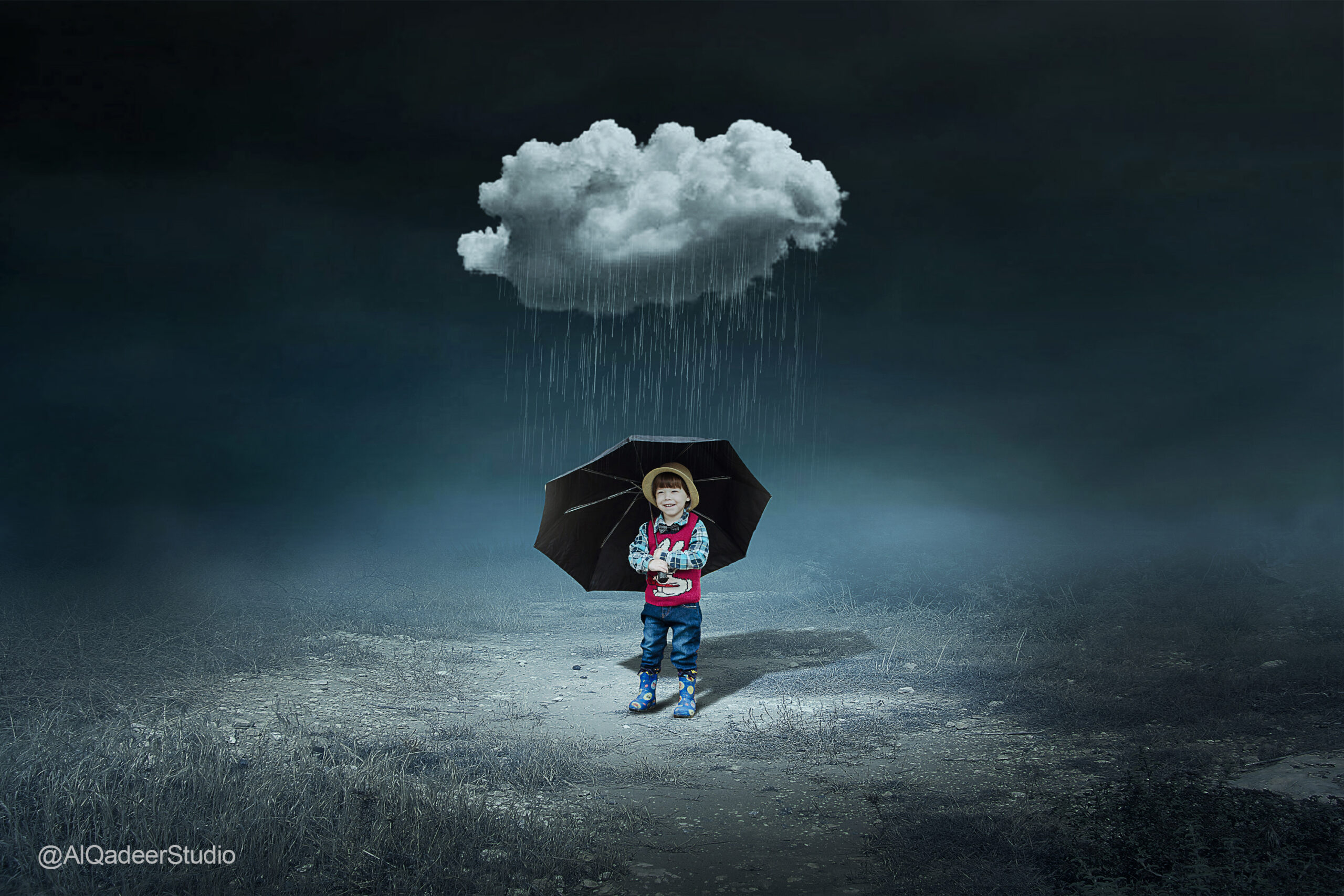
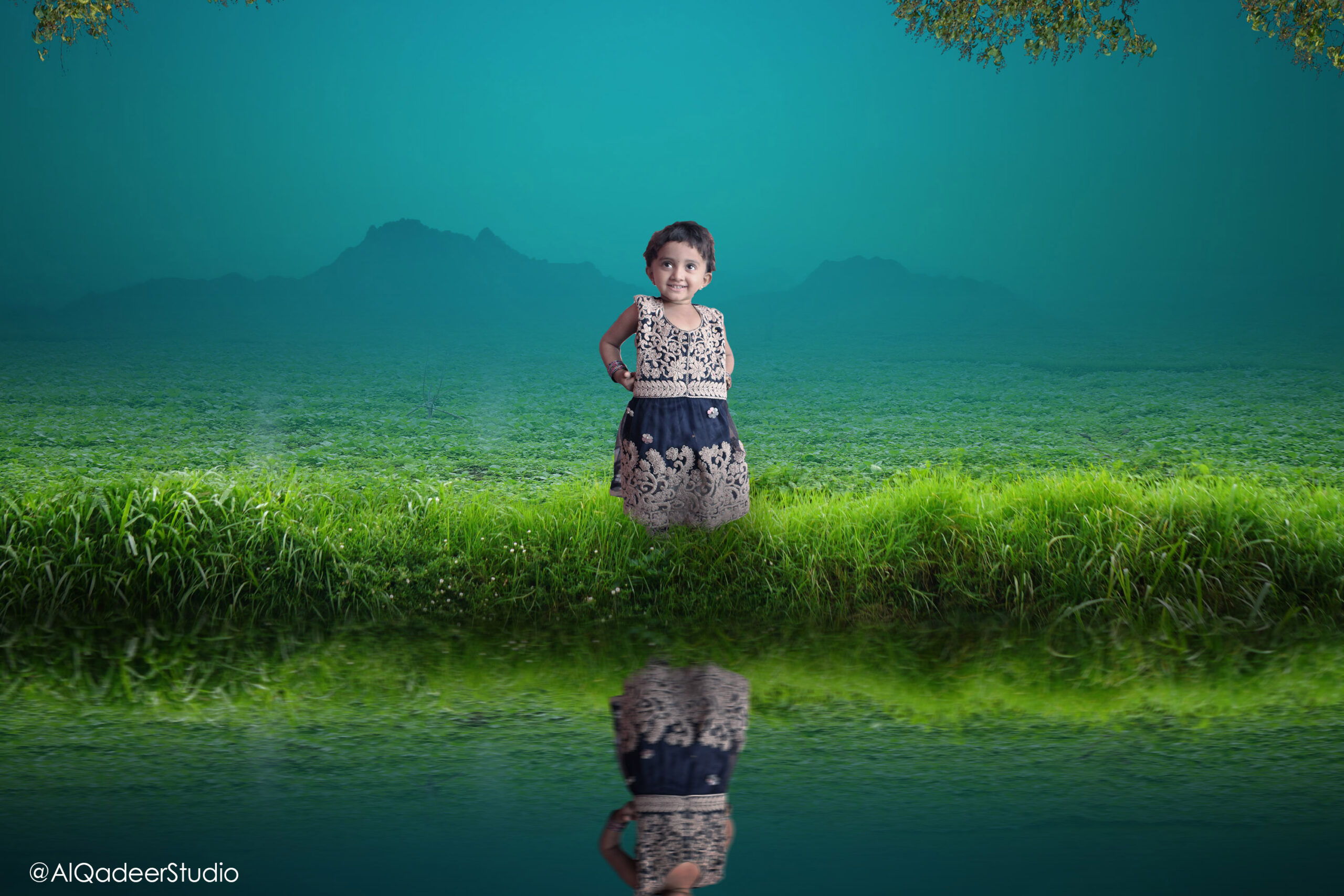
Here is the tutorial you can watch and by following this tutorial and downloading stocks. You can easily make this manipulation in Photoshop.

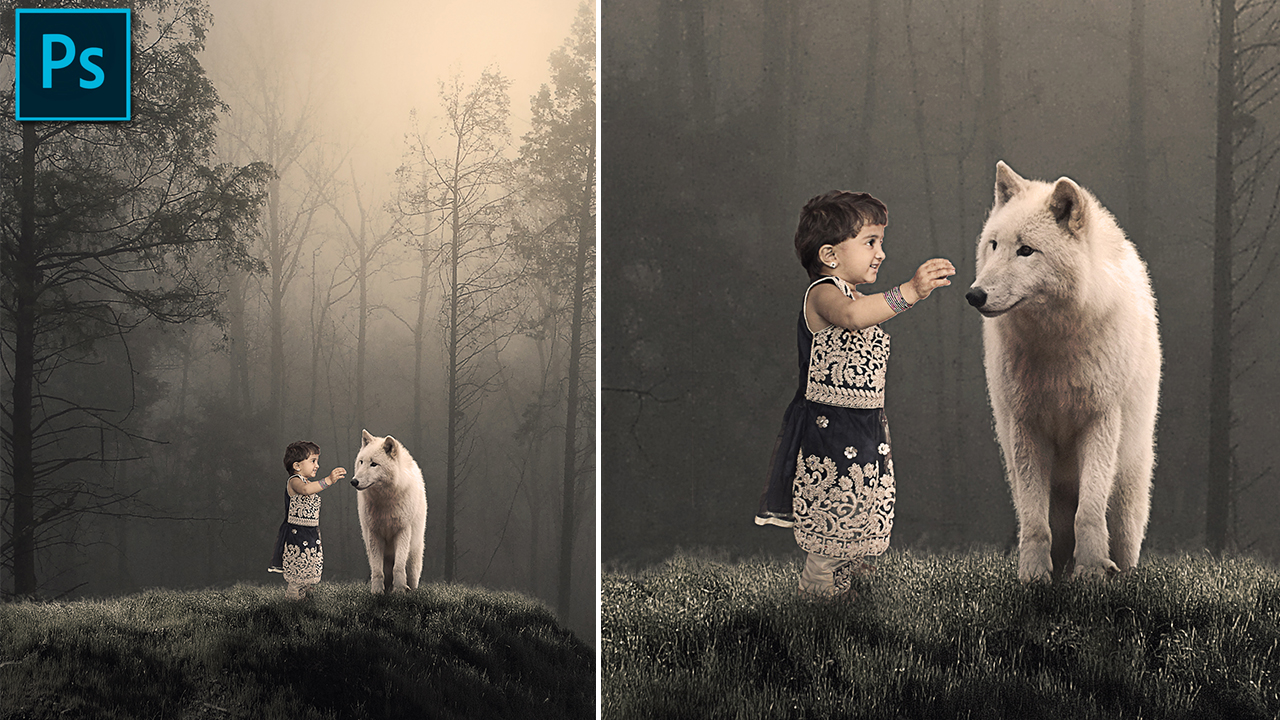
Here is the tutorial you can watch and by following this tutorial and downloading stocks. You can easily make this manipulation in Photoshop.

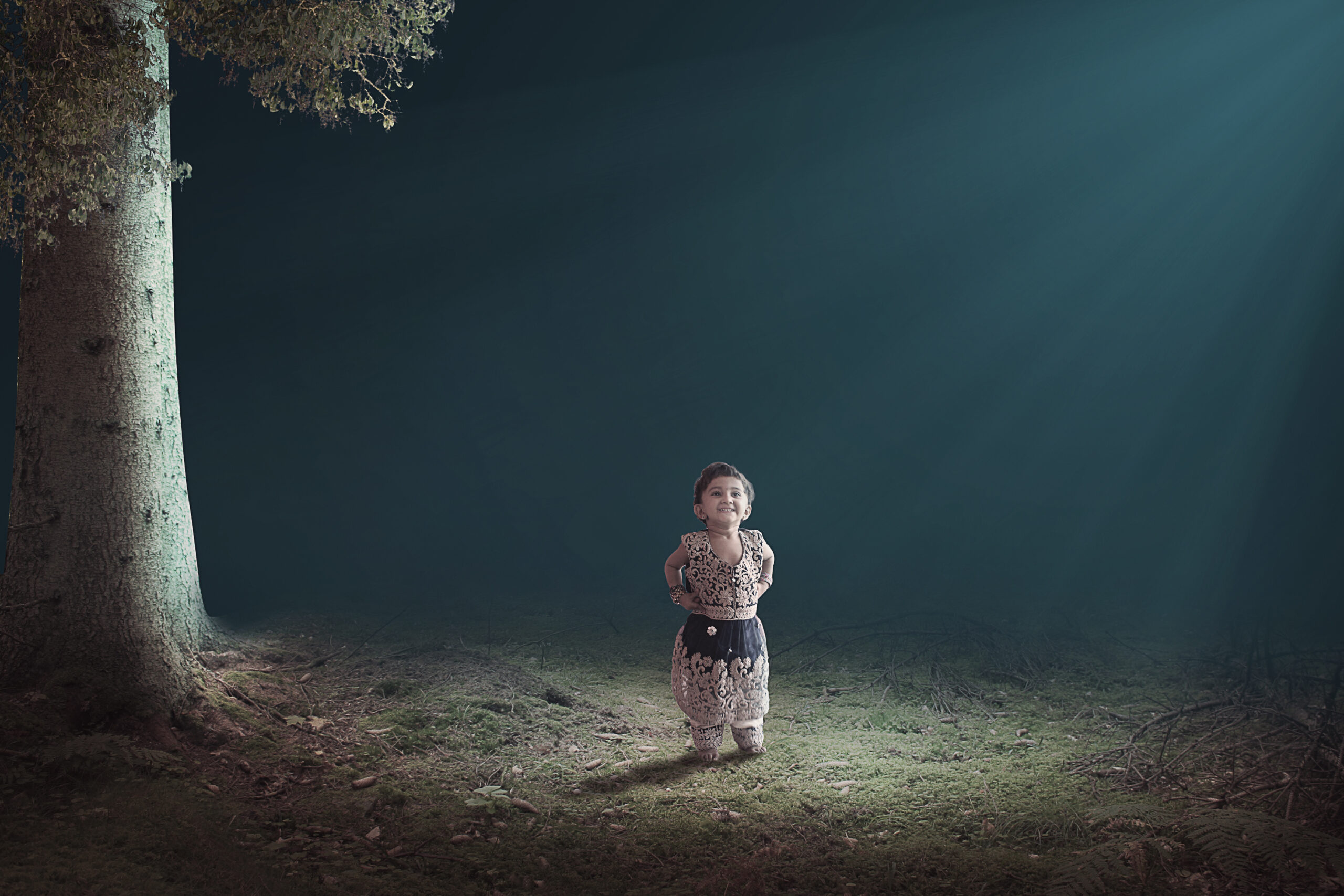
Here is the tutorial you can watch and by following this tutorial and downloading stocks. You can easily make this manipulation in Photoshop.

Here is the tutorial you can watch and by following this tutorial and downloading stocks. You can easily make this manipulation in Photoshop.

Here is the tutorial you can watch and by following this tutorial and downloading stocks. You can easily make this manipulation in Photoshop.

Here is the tutorial you can watch and by following this tutorial and downloading stocks. You can easily make this manipulation in Photoshop.


This 3D Modern Wall logo mockup PSD template is handy if you want to Showcase your logo as a wall-mounted 3d or just add depth to it with this photorealistic mock-up. The PSD file is fully layered and includes smart objects to make edits easily for your own text or logo.
Check out these two articles I previously posted, you can easily replace it with your log or text by following from these articles.
Click on the download button to download this logo mockup for free.


Free stock photos you can use everywhere. This time I will share with you the Top 5 websites that provide royalty-free stock images. You may be able to search for images that you want for your imagination. By searching on Google Image, there are so many images and we don’t know who owns the images, whether they have the copyright or not. Here in this post, you will get free stock images from the top 5 websites that I always use for my Manipulation tutorials, which have a good collection and high-quality stock images that you can reuse for making manipulation or another editing.
Over 1.8 million+ high quality stock images and videos on Pixabay.com. Pixabay offers a large collection of free stock photos, vectors, and art illustrations that I use for my manipulation tutorials. All photos are released under Creative Commons CC0.
Unsplash is a website dedicated to sharing stock photography under the Unsplash license. The website claims over 207,000 contributing photographers and generates more than 17 billion photo impressions per month on their growing library of over 2 million photos.
Thousands of free stock and high resolution photos in Pexels. you can easily find the image you want on pixel.com. All photos are tagged, searchable and also easy to discover through their discover pages.
DeviantArt is an online community featuring artwork, videography, and photography. On this website, you can also download brushes for Photoshop, Stocks, Manipulation Ideas, PNG Images.
This is one of the best website which I always use for my tutorials. If you want to download images from DeviantArt, first you need to create an account and when you download you must credit back the Artist.
DeviantArt is the largest online social network for artists. if you want to find inspiration this is the right place.
Browse royalty-free photos by subject, photographer, or even camera—all free for personal and commercial use they have good pictures and quite a lot.
Those were 5 sites I shared that I always use for my manipulation tutorials. Hope you find the best images and make some imaginations for your artwork. If you have any questions write down below in the comment box.
Photoshop is a powerful tool for editing your photos. But if you want to make consistency in your work plan or if you want to speed up the editing process, you’ll need a Photoshop plugin.
From applying effects on your photos, we have collected free Photoshop plugins for photographers. You may like this collection of free Photoshop plugins for UI builders.
This free tool allows you to easily create HDR-like effects for your photos instantly. It will enhance the dynamic range of the image and sharpen it.

The KinemaPhoto-LITE extension gives you an easy workflow to showcase your creative power in creating graphs, gifs, and other animations in Photoshop.

18 cool effects and filters to edit your images with this free FX Tool. The plugin includes 8 different filters, 9 different light leak effects, and a film grain effect that you can use. All tools are non-destructive and fully editable.

Easily & quickly retouch your portrait pictures and make skin tone free blemishes to make your photo look beautiful with just 1 click by using this free SKin Beauty Retouch plugin.

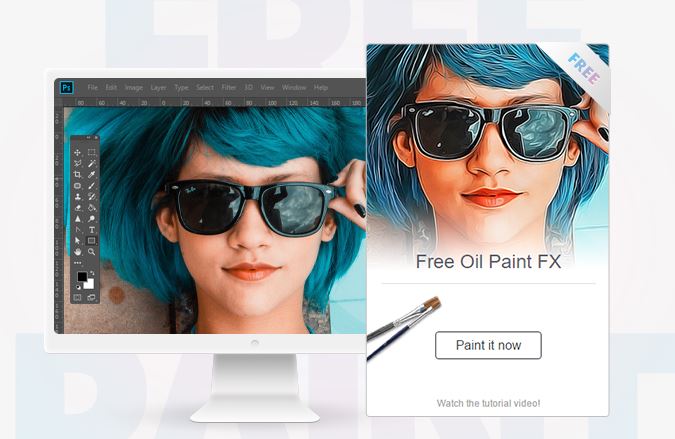
Turn your normal photos into a realistic painted look without any effort. Transform any image resolution size between 1,000 – 4,000 pixels. This tool is a one-click tool. They do not damage and leave the original image unharmed.