Category: Others

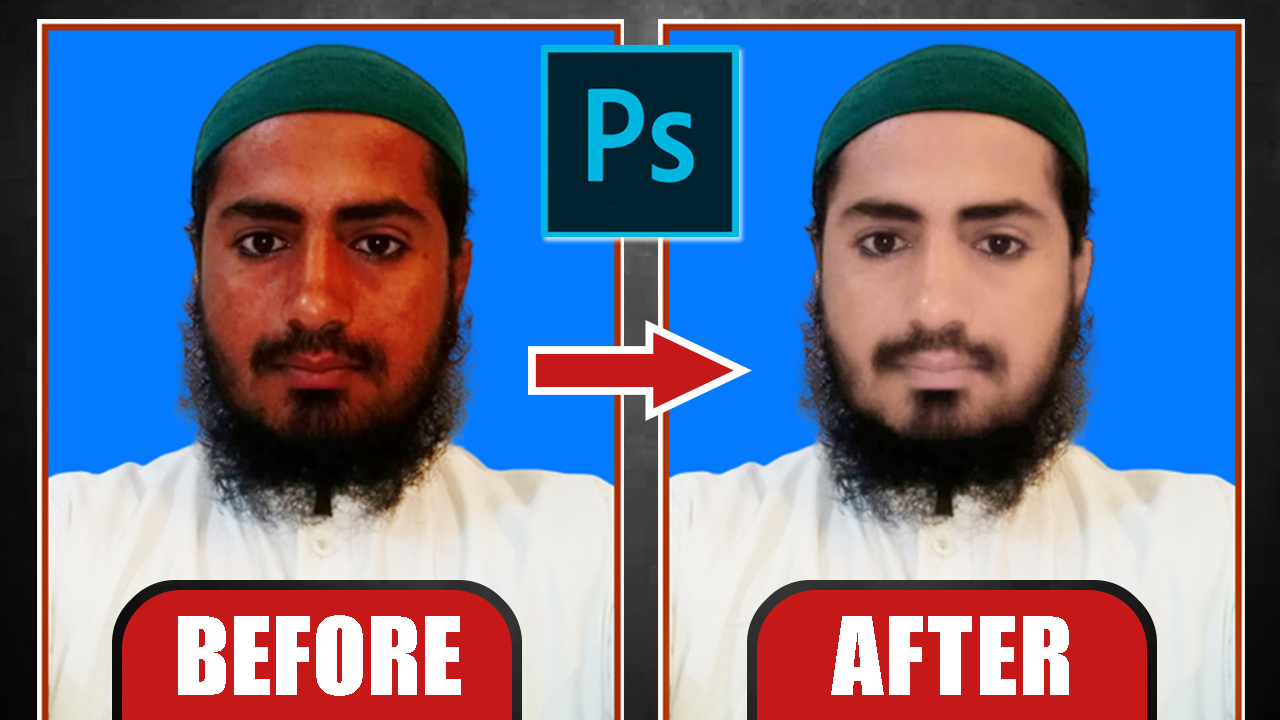
  • Remove Red Color From Image in Photoshop | Urdu/Hindi

    Remove Red Color From Image in Photoshop | Urdu/Hindi

    Remove Red Color From Image in Photoshop | Urdu/Hindi


    VIDEO TUTORIAL 


  • Still Image Animation in Photoshop

    Still Image Animation in Photoshop

    Still Image Animation in Photoshop

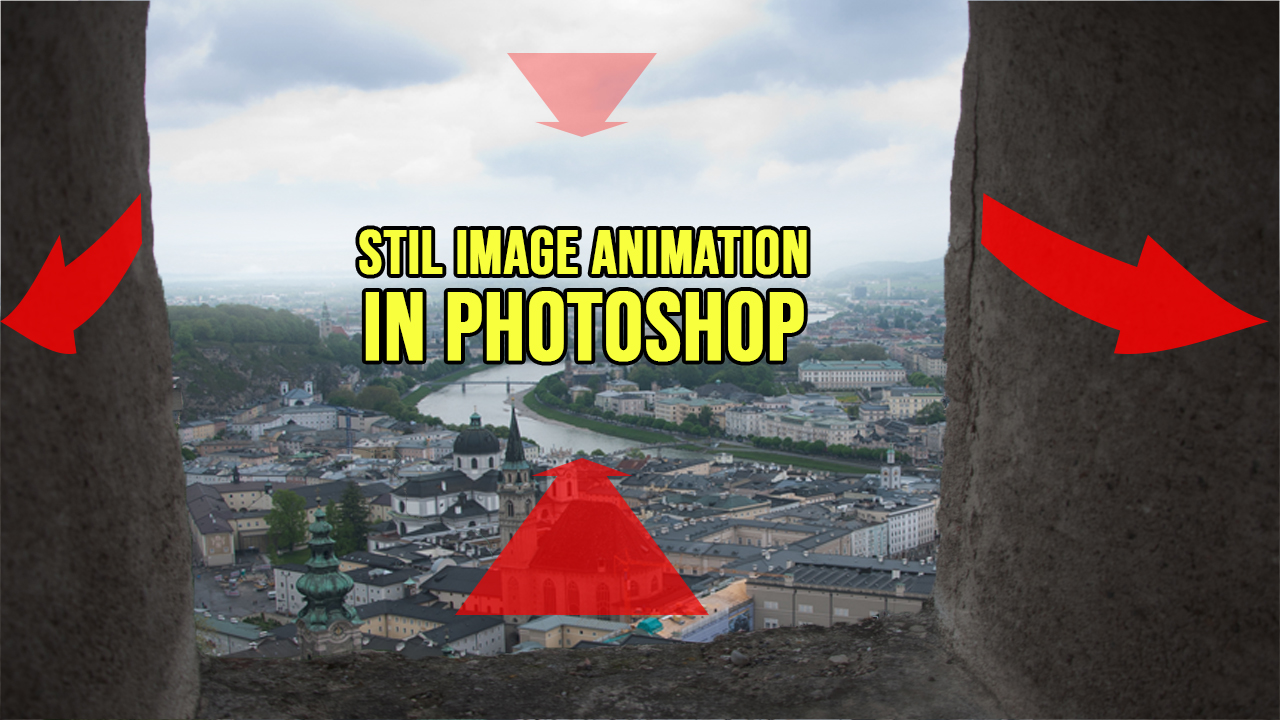
    Still Image Animation in Photoshop

    VIDEO TUTORIAL

    STOCK DOWNLOAD

  • How To Colorize Black and White Image Without Any Software

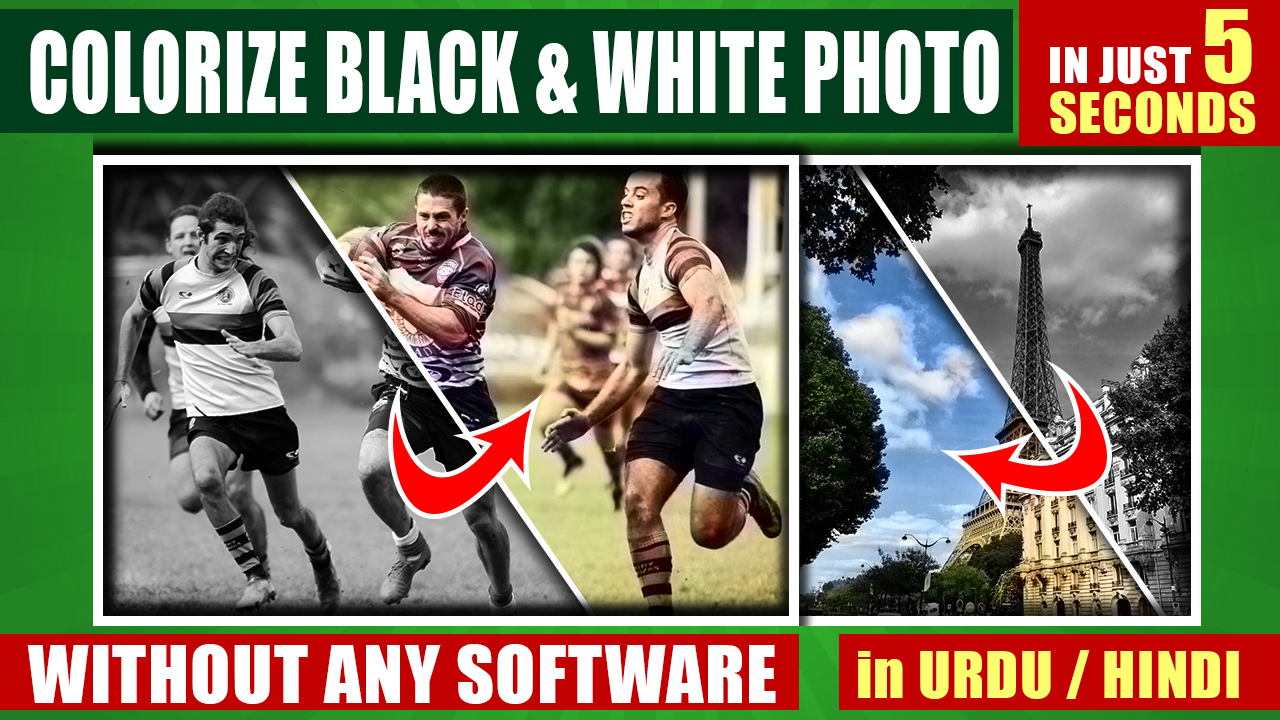
    How To Colorize Black and White Image Without Any Software

    How To Colorize Black and White Image Without Any Software

    VIDEO TUTORIAL

    WEBSITE

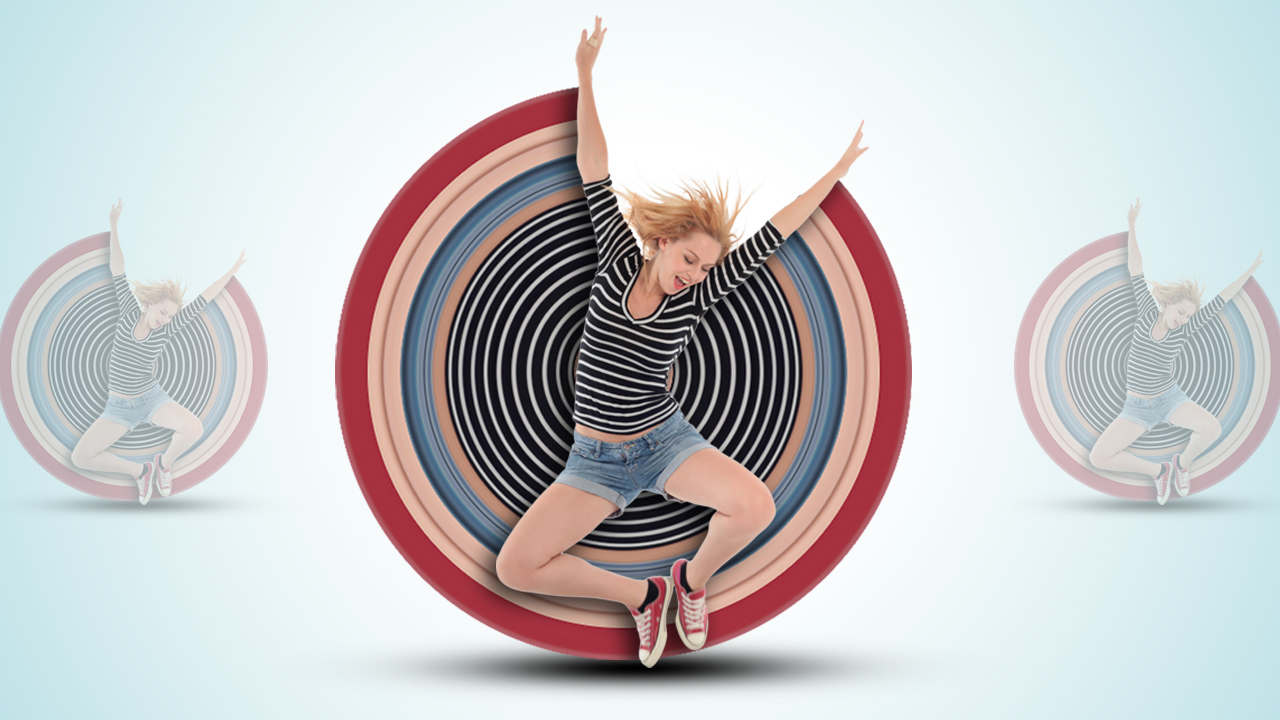
  • Circular Pixel Stretch Effect in Photoshop

    Circular Pixel Stretch Effect in Photoshop

    Circular Pixel Stretch Effect in Photoshop


    In this video tutorial, I am involving various photos and using various methods and techniques in Adobe Photoshop to achieve the desired result. Stocks download link given in below this article.

    Follow the video tutorial and create your own fantasy photo manipulation using these techniques which shows in the below video tutorial. Before you make your own photo instead of any photo in this composition, make sure the camera direction should be the same, other than it will not look real. So keep watching and keep visiting this blog. Thank You.

    VIDEO TUTORIAL


    STOCK DOWNLOAD

  • How to Change Background Sky and Match Color with Sky in Photoshop

    How to Change Background Sky and Match Color with Sky in Photoshop

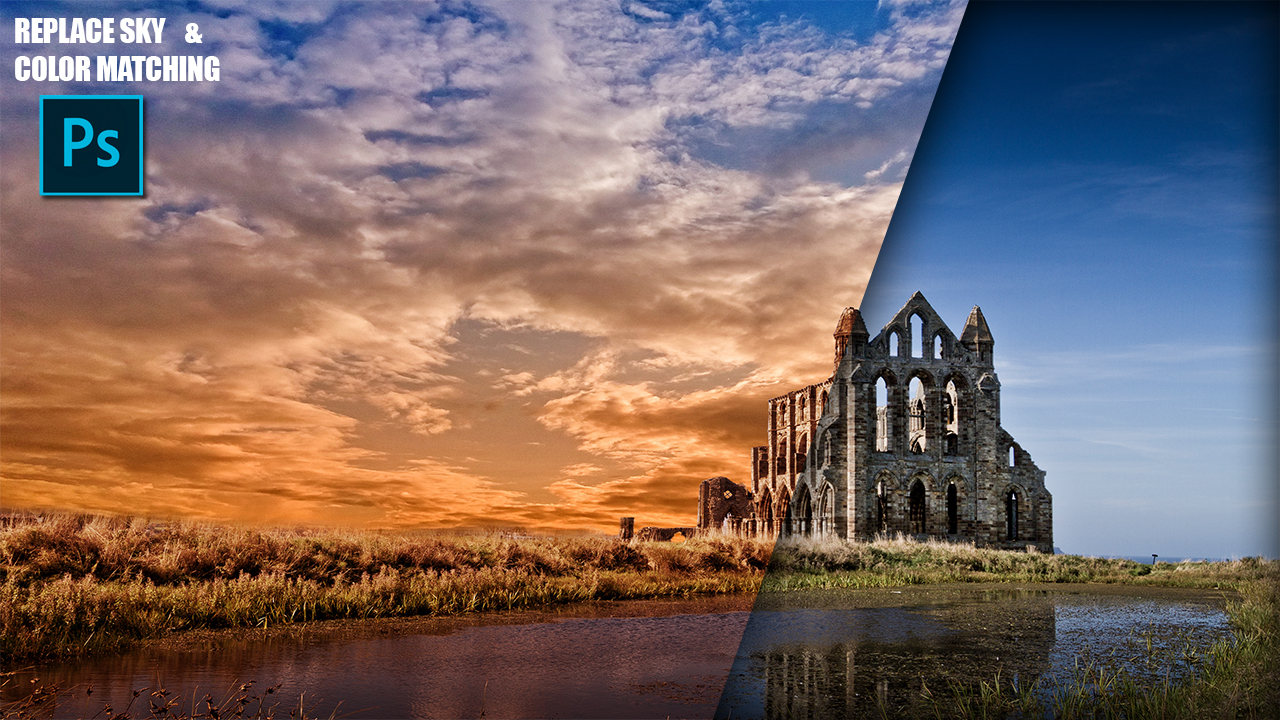
    How to Change Background Sky and Match Color with Sky in Photoshop


    Video Tutorial


    STOCKS

    BG 


    Sky 

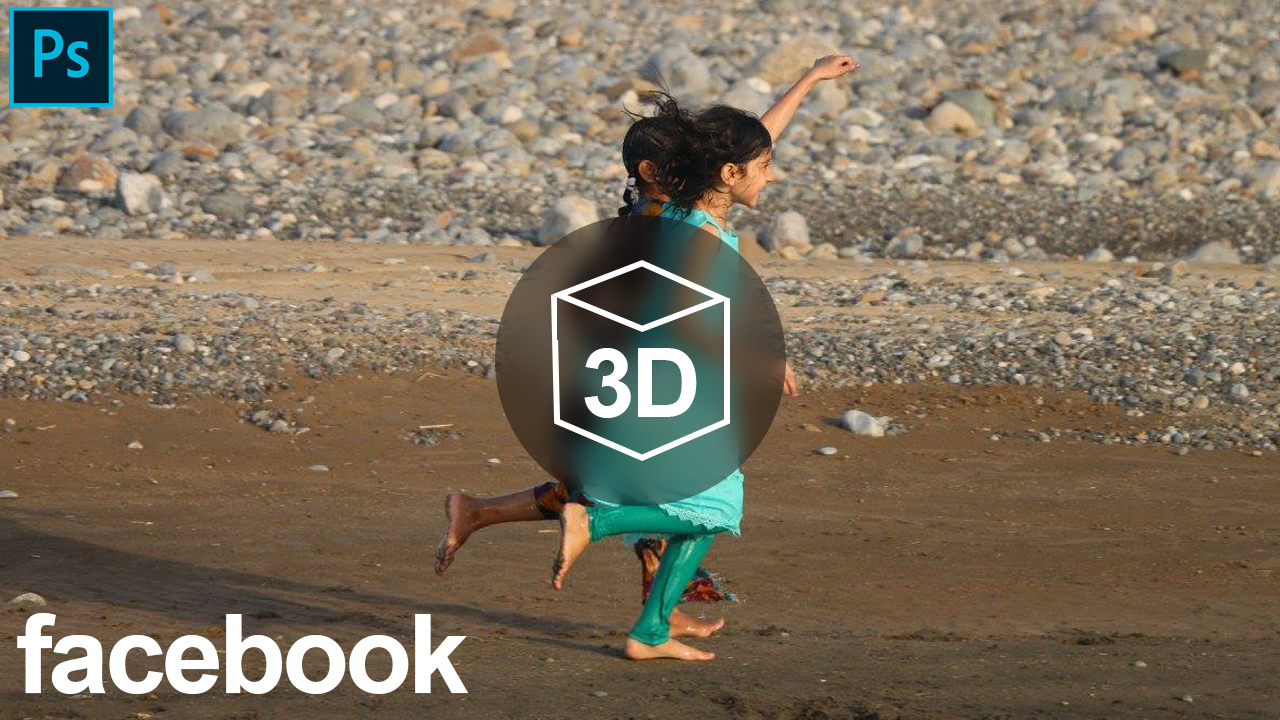
  • How to Make Facebook 3D Photos in Photoshop

    How to Make Facebook 3D Photos in Photoshop

    In this video tutorial, you will learn how to create facebook 3D Photos in Photoshop, and How to upload 3D Photos on facebook.

    How to Make Facebook 3D Photos in Photoshop


    VIDEO TUTORIAL


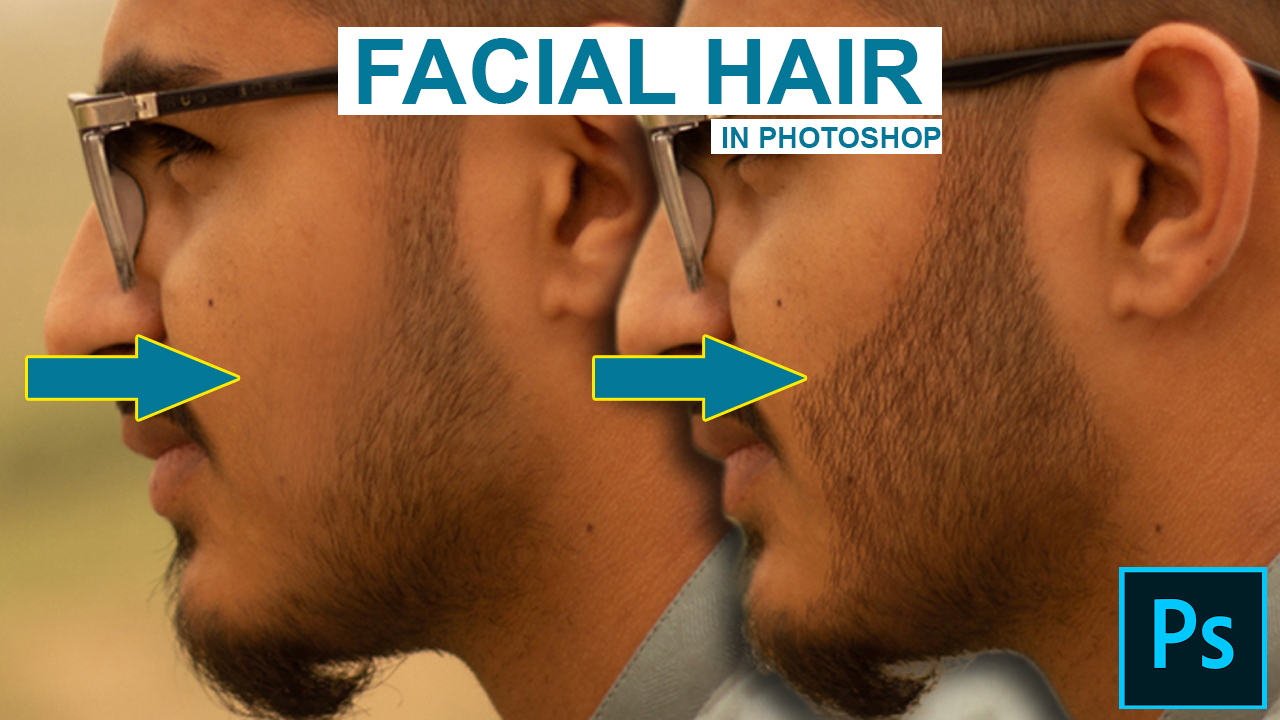
  • How to Create Realistic Facial Hair in Photoshop

    How to Create Realistic Facial Hair in Photoshop

    In this video tutorial, you will learn how to create realistic facial hair brush in Photoshop.

    How to create facial hair in photoshop


    Video Tutorial

    Download Stock

  • How to Create Snow in Photoshop

    How to Create Snow in Photoshop

    How to Create Snow in Photoshop

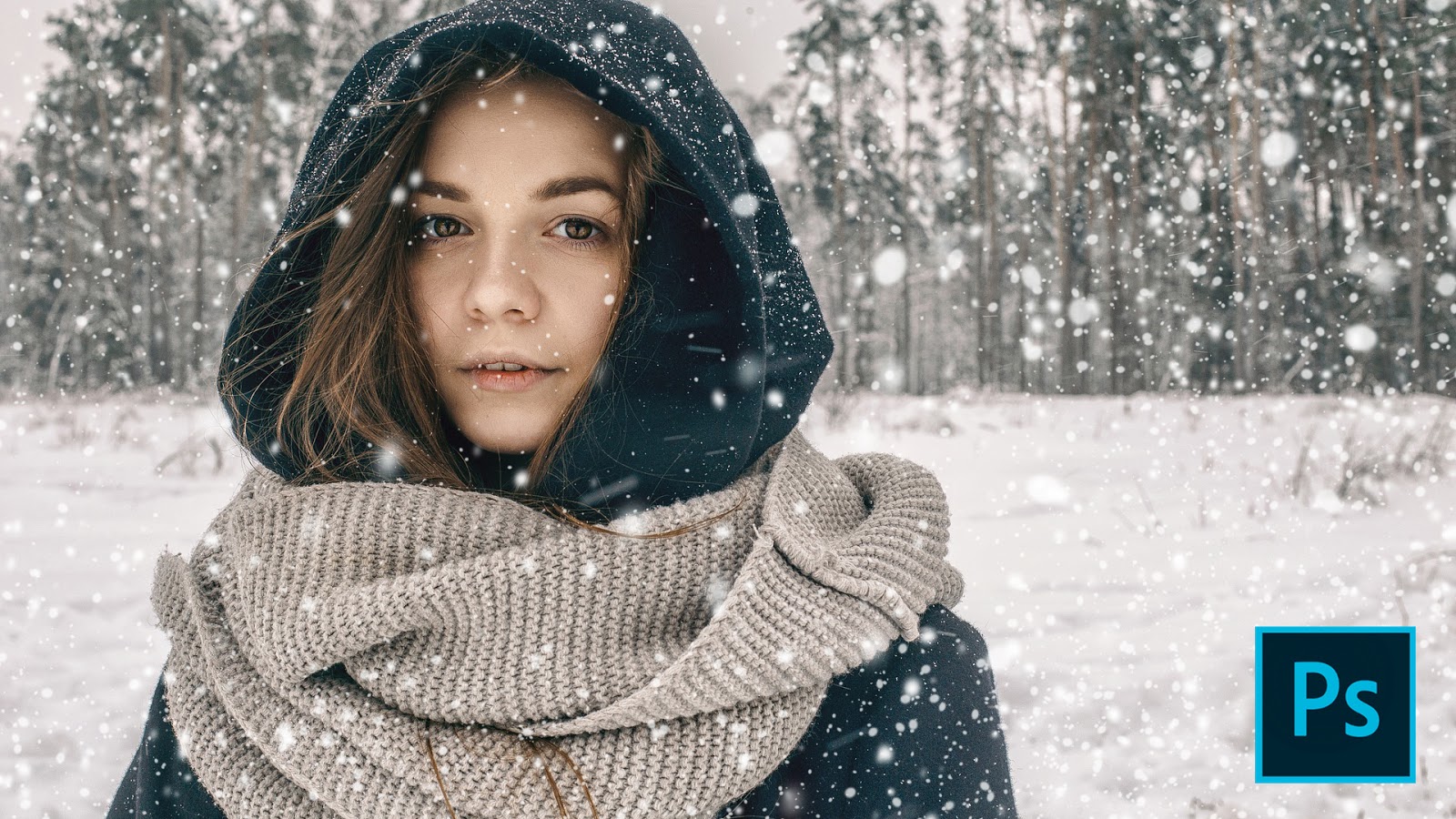
    In this video tutorial, you will learn how to create a snow effect in Photoshop using Brush tool, and you will also learn how to create a custom brush in Photoshop.

    How to Create Snow in Photoshop


    How to Create a Custom Brush in Photoshop

    1-Open your image in Photoshop,


    3-Create a new blank layer, take rectangular selection tool and make a selection, Now press Alt+Backspace, make sure your foreground color is white.

    3-Select Brush tool change the hardness around 45-55 and brush it at one bottom side corner of selection and one smaller at the top side corner.

    4- Now go to Edit>Define brush and name your brush. Now delete the layer and create another blank layer.

    5-Now open brush preset from the property bar, from the brush tip shape tab, increase the spacing and from shape dynamic tab, Increase the Size Jitter, Minimum Diameter, Angle Jitter, Roundness Jitter, and a little bit Minimum Roundness, and from Scattering tab Increase the Scatter.
    6- Now create snow by brushing on your image and resizing brush size randomly and then add a little bit motion blur from Filter>Blur>Motion Blur.

    1.   How to Load Brush Preset in Photoshop
    2. Transform Summer To Winter | Snow Effect in Photoshop
    Stock Credit