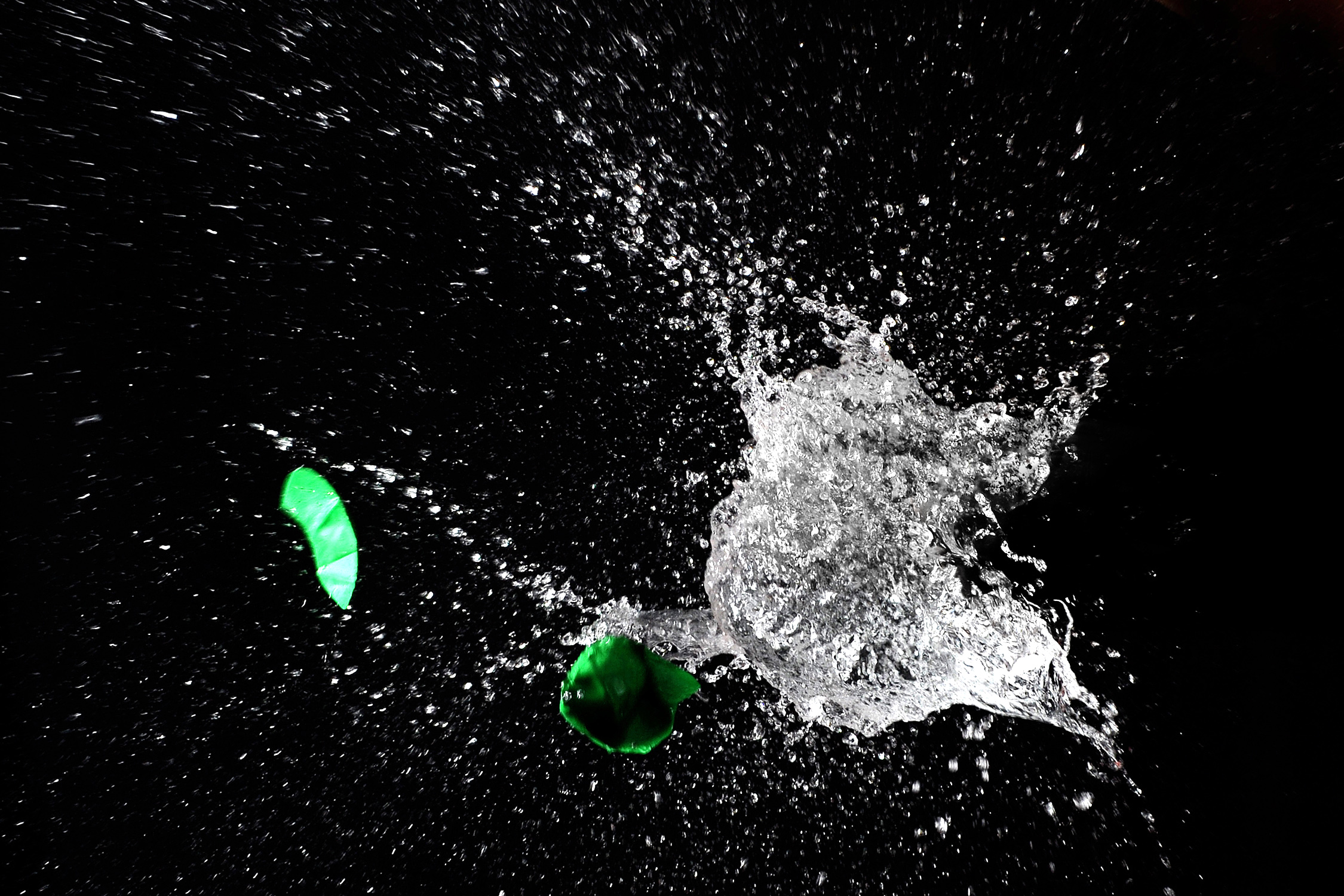
In this video I will show you 2 ways to create sun’s rays in Photoshop
So guys enjoy the tutorial and don’t forget to share, like and subscribe my channel.
Video Tutorial
————————————————————– Music: On My Way Kevin MacLeod (incompetech.com) Licensed under Creative Commons: By Attribution 3.0 License https://creativecommons.org/licenses/b…
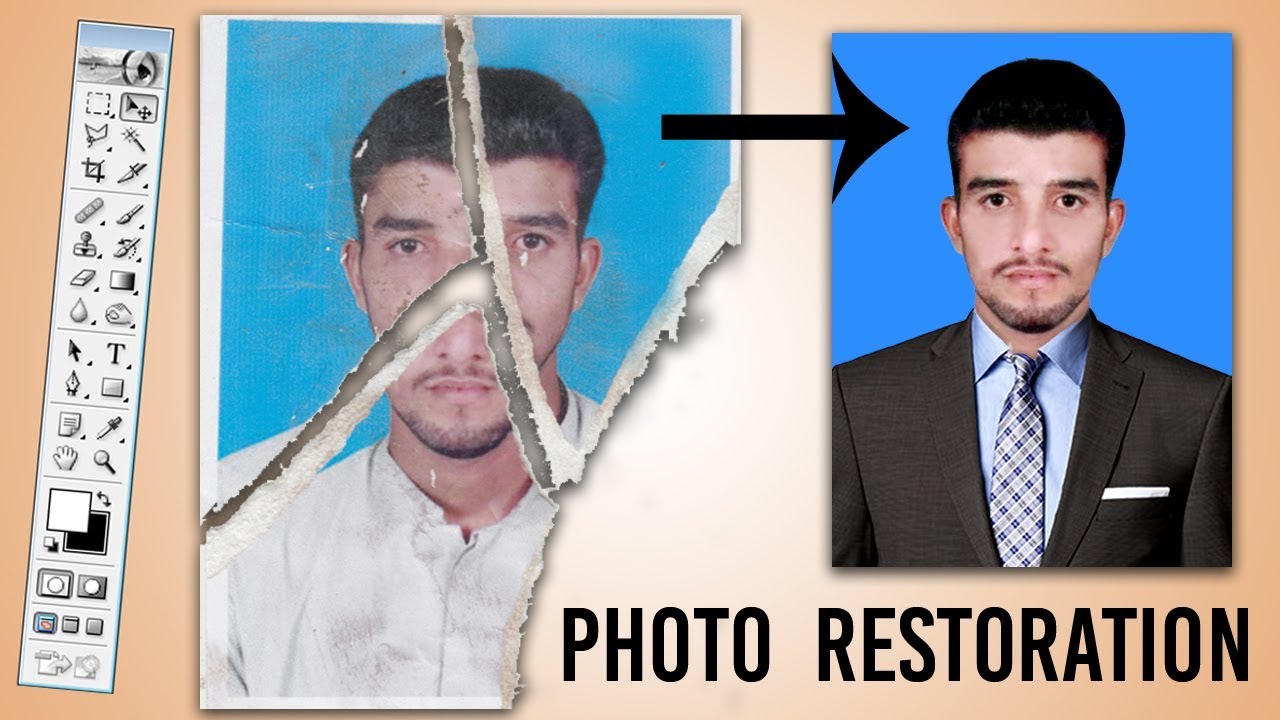
In this video w’ll learn how to restore/repair damaged photos and how to remove dust and scratches from a photo.
Video Tutorial
Related Videos: Damaged Photo Repair | Remove Dust and Scratches: https://youtu.be/Rsqgd8bFijc How to Scan / Convert Photo Negative Into Digital: https://youtu.be/BcdTw9eY7cM
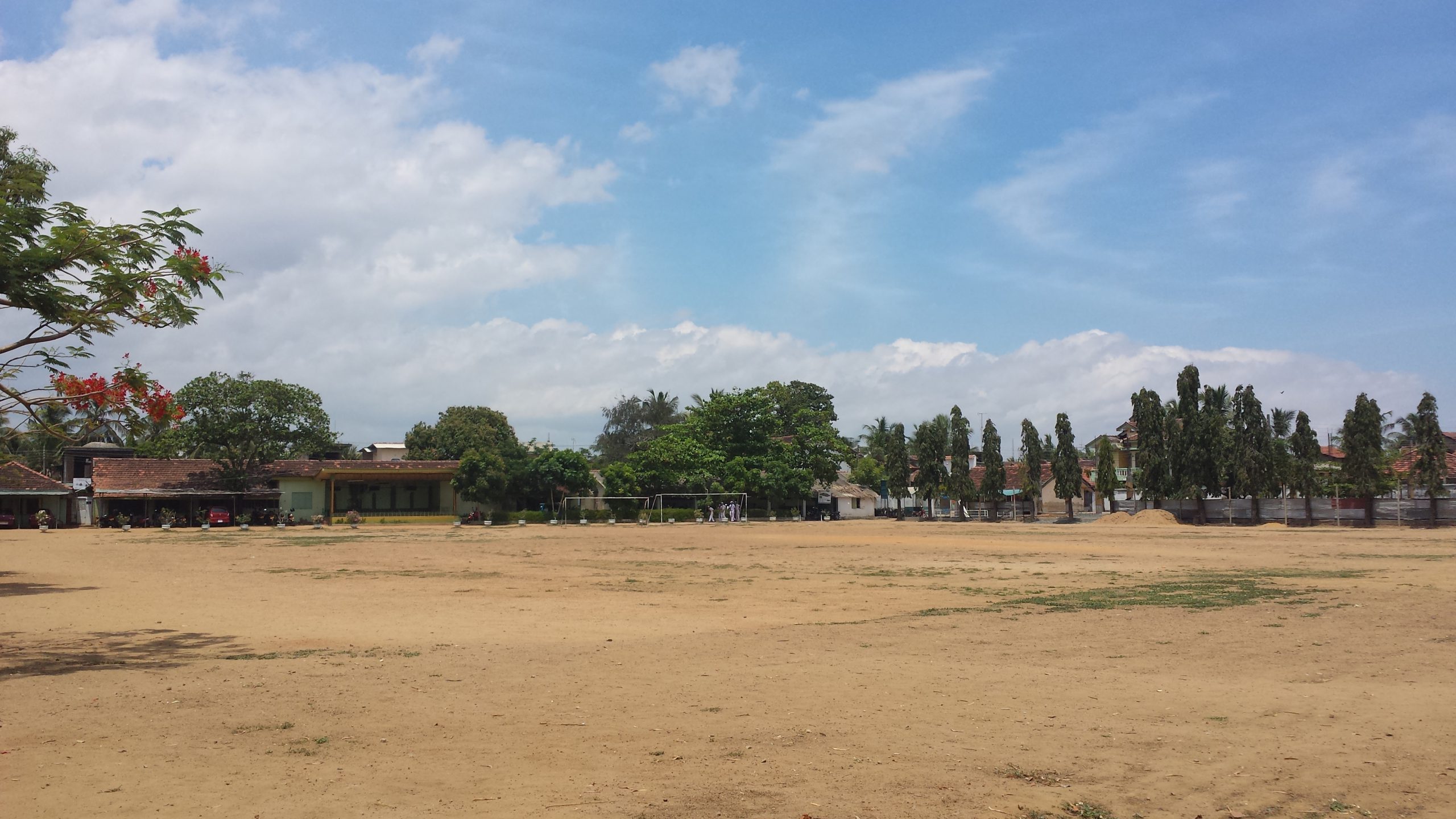
In this Photoshop tutorial, you will learn how to create the tiny planet effect/Roll world. This will transform your normal photos into your own little planet using photoshop.
1k+ Subscriber!! A big thank you to everyone who subscribed to my channel. I want to request you that share my videos to other people so that I can get more subscribers, when I will get more subscribers so I will feel like to work more.
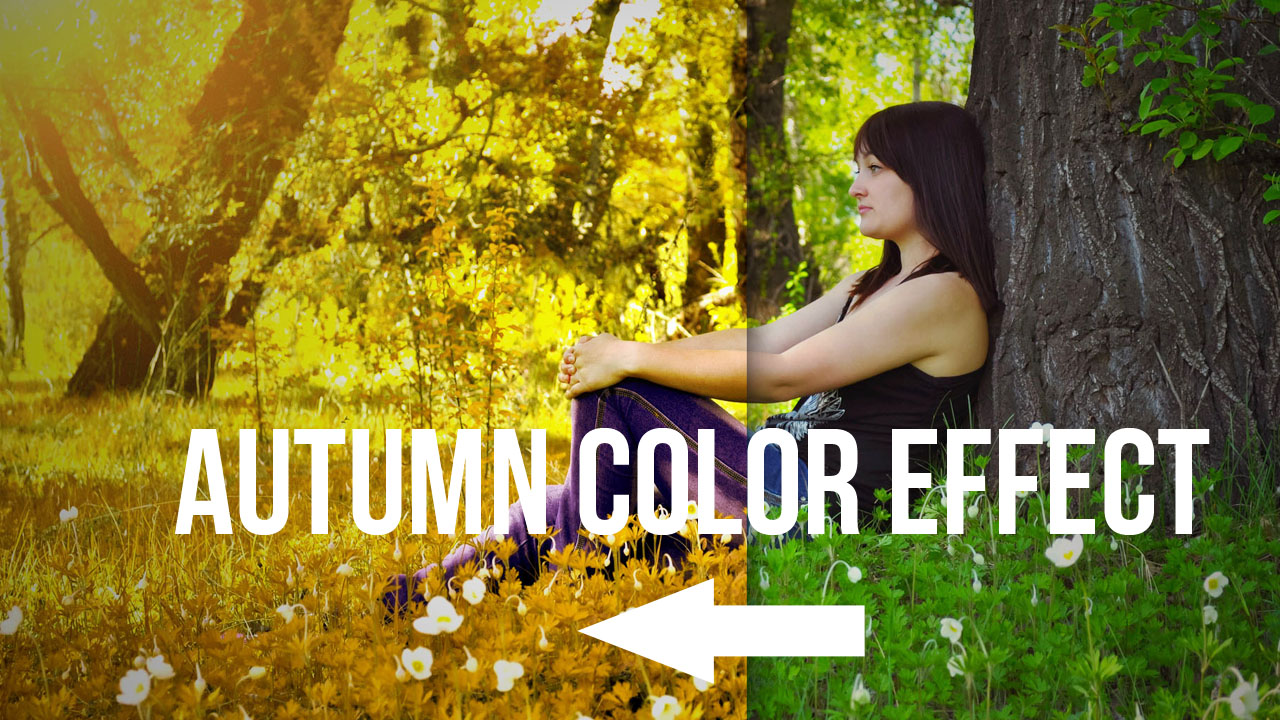
In this video tutorial we will learn how to create spring to autumn color effect in Photoshop.
First open the image. And duplicate it. (Ctrl+J)
Click on the New Adjustment Layer. Choose levels
Create a new layer. Fill with black color, (Ctrl+Delete)
Click on filter > render > lens flare
Adjust the lens where you want. Lens type (105mm prime)
Change the blending mode into screen.
Click on the New Adjustment Layer. Choose channel mixture.
Under channel mixture properties change the settings.
This step is to change green tone into yellow. You can play with settings for different result and color tones.
Choose blend mode lighten of channel mixture layer.
Click on the New Adjustment Layer choose Selective Color.
Under Selective Color properties change the settings.
This step is to change green tone into yellow and light orange, and also add some cyan for tree body.
I hope that you enjoyed this tutorial. Photoshop Tutorial Easy Make Colors Autumn Effect. Turn Summer to Autumn in Photoshop. How to create Autumn colours in Photoshop. Spring to Autumn Photoshop Tutorial.
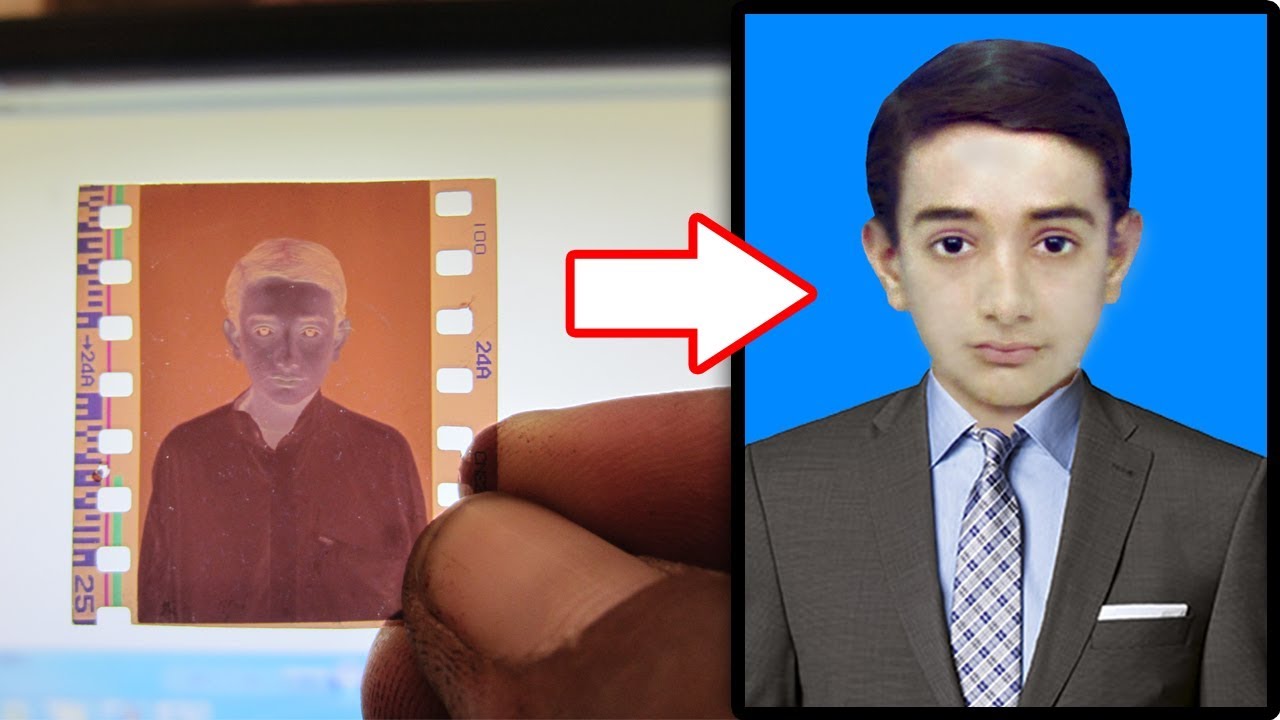
In this video I will show you, how to quickly or easily convert film negatives into digital image using a simple camera. First we need to shot the negatives. Make sure that your negatives are clean before digitizing them. You must have background any soft white LCD screen / Mobile Torch or shiny sun to look it clearly. Now take shots. Transfer the images from your camera to computer. Open photo in Photoshop. Choose the Crop tool and remove top, bottom and sides portion of a photo to create focus or strengthen the composition. Go to adjustments and select invert CTRL + I keyboard shortcut. This photograph is very old one so you may notice lot of scratches and dust on the photo. To fix the colors add curves adjustment. Open red channel, move black handle at starting point of the curve and drag white handle at end of the curve. Do the same for the green and blue channels. That’s it we’re done. Now remove the scratches and dust form photo use stamp tool / brush tool for blacking hairs use burn tool.
In this video you will learn that how to manipulate photos/create floating island and how to use layer mask, clipping mask, shadow and learn more about effects, lights, blend mode in Photoshop.