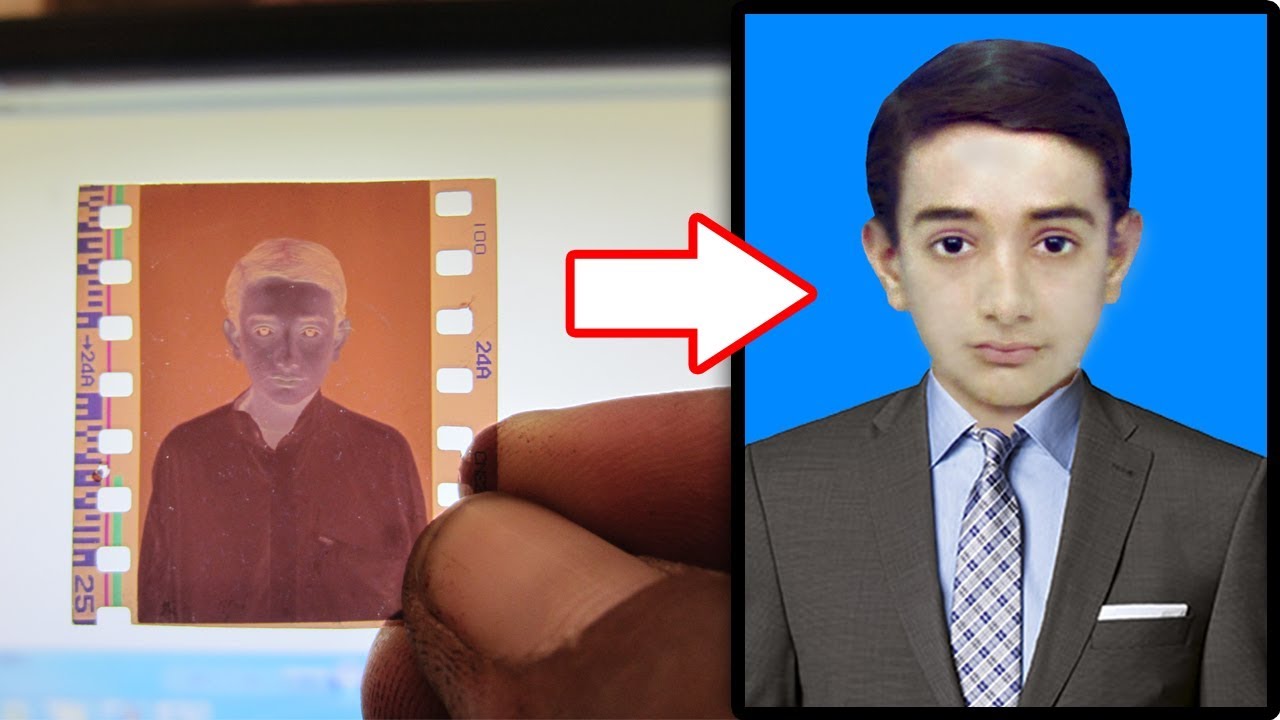

In this video I will show you, how to quickly or easily convert film negatives into digital image using a simple camera.
First we need to shot the negatives. Make sure that your negatives are clean before digitizing them. You must have background any soft white LCD screen / Mobile Torch or shiny sun to look it clearly. Now take shots. Transfer the images from your camera to computer. Open photo in Photoshop. Choose the Crop tool and remove top, bottom and sides portion of a photo to create focus or strengthen the composition. Go to adjustments and select invert CTRL + I keyboard shortcut. This photograph is very old one so you may notice lot of scratches and dust on the photo. To fix the colors add curves adjustment. Open red channel, move black handle at starting point of the curve and drag white handle at end of the curve. Do the same for the green and blue channels. That’s it we’re done. Now remove the scratches and dust form photo use stamp tool / brush tool for blacking hairs use burn tool.